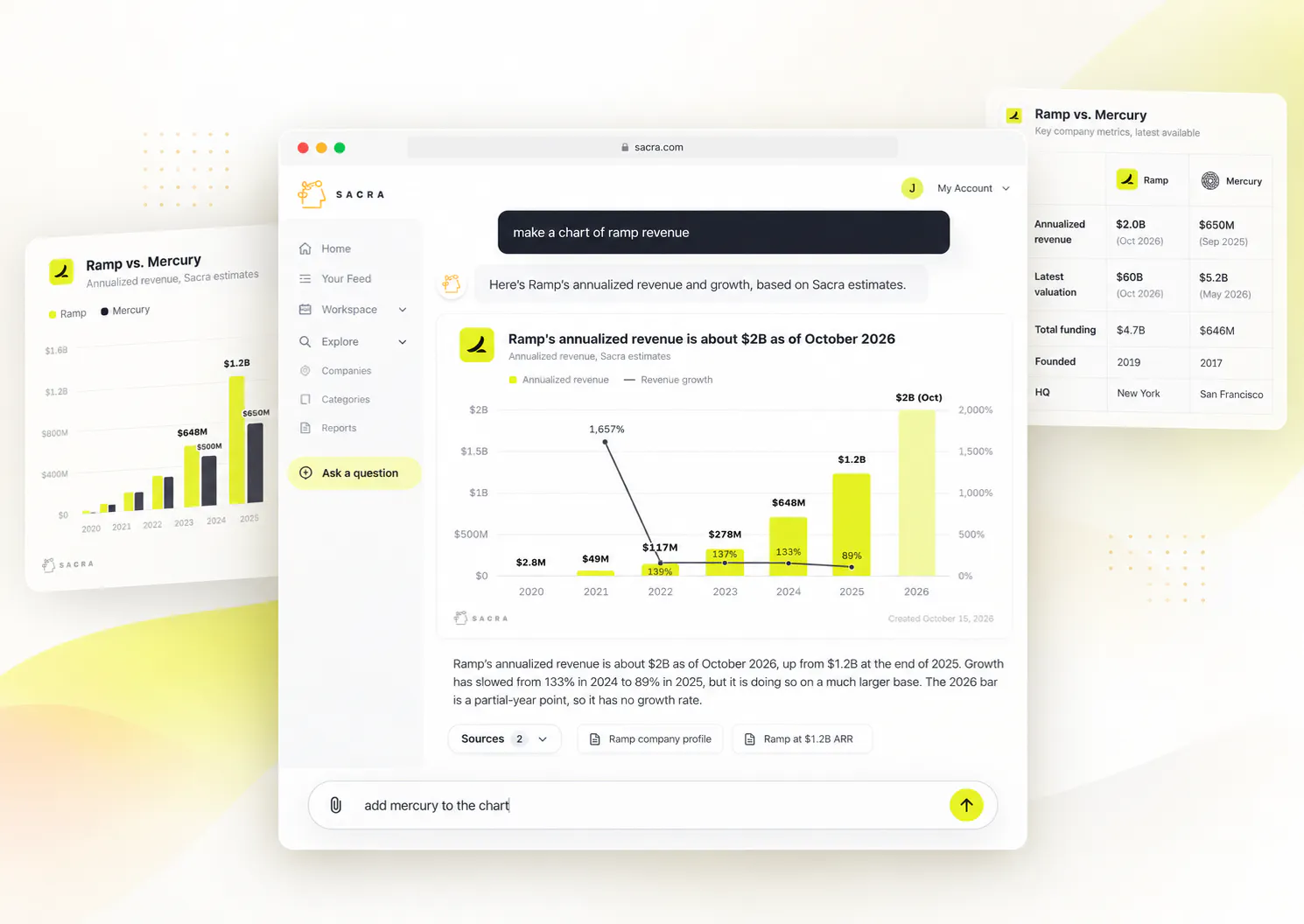
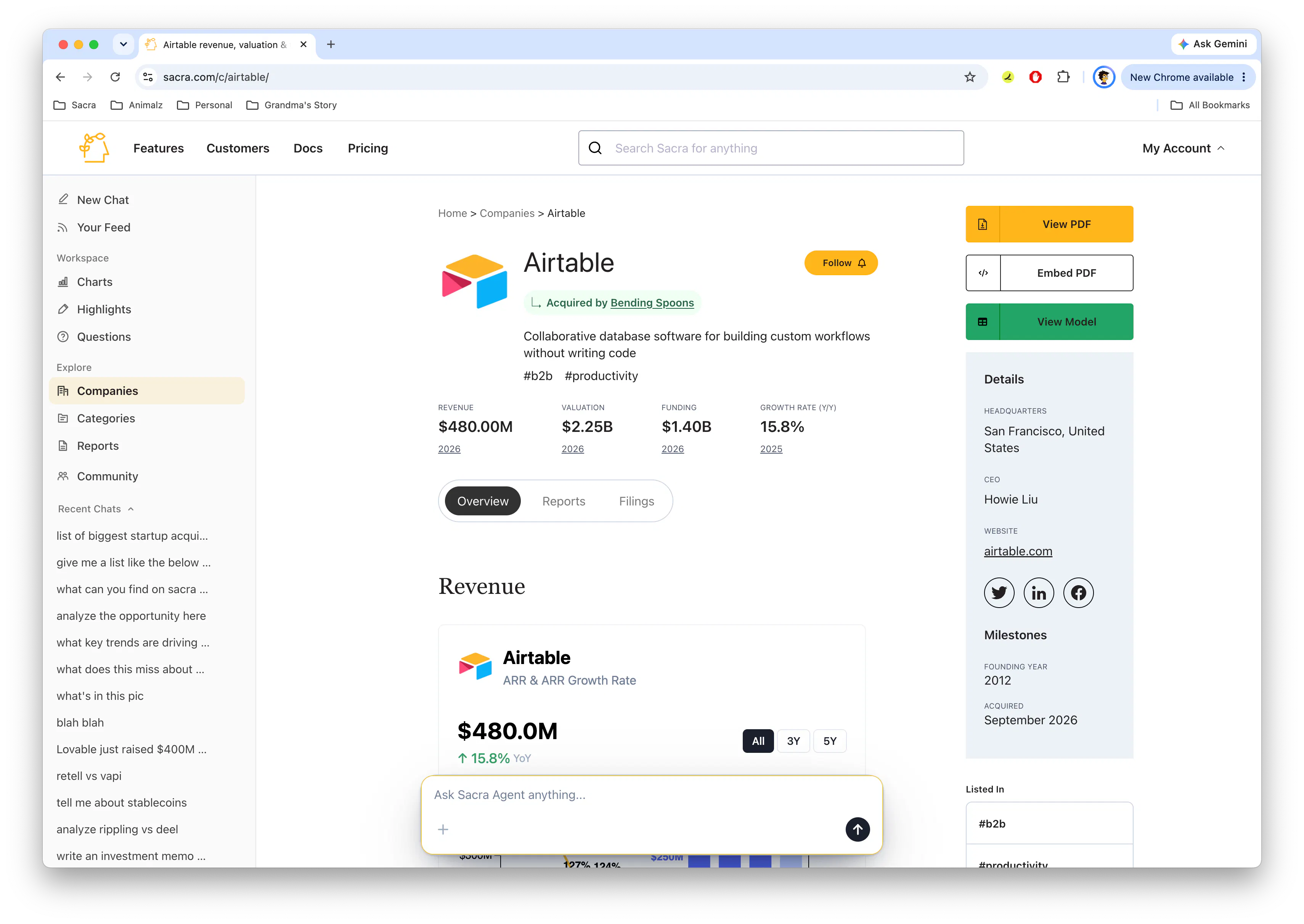
You can now upload files directly to Sacra Agent and ask questions about them.
Drop in a pitch deck, PDF, Word document, image, or other supported file, and Sacra Agent will analyze the actual contents, including text, tables, charts, and images, alongside Sacra's own research and data.
File uploads are available now in Sacra Agent on the web, over email, and in Slack.
Get started: Try Sacra Agent on the web →
Analyze pitch decks and documents
A lot of private company research starts with a document.
You get sent a pitch deck, deal memo, investor update, market report, or financial presentation and need to understand what it says, identify the important claims, and figure out how those claims compare with everything else you know about the company.
Now you can give that file directly to Sacra Agent.
Upload a deck and ask:
- Summarize this pitch deck and identify the most important claims.
- How fast is this company growing relative to comparable companies?
- Which claims in this deck agree or disagree with Sacra's research?
- What are the biggest diligence questions this deck leaves unanswered?
- Draft an investment memo using this deck and Sacra's research on the company.
Sacra Agent analyzes the contents of the file itself, including slide text, tables, charts, and images, rather than treating it as a block of extracted text.
Available on web, email, and Slack
File uploads work across all the places you can already use Sacra Agent.
On the web, attach files directly to a chat message and analyze them alongside Sacra research.
Over email, attach a pitch deck or document normally and ask Sacra Agent what you want to know. You can also forward an email with attachments and have the agent analyze them in context.
In Slack, upload a file with your message and ask Sacra Agent to summarize, analyze, compare, or research it.
Once you've uploaded a file, it stays available in that conversation.
You can start by asking for a summary, follow up on a specific slide or chart, compare a claim against Sacra's data, and then ask the agent to turn everything into a memo or research brief without uploading the file again.
On the web, uploaded files and image previews remain visible alongside the conversation so you can come back to the thread later and continue working.
Supported files
Sacra Agent currently supports:
- PPTX
- DOCX
- Common text files like TXT and MD
- Common image files like PNG, JPEG & WebP
On web and email, you can upload up to five files in a message, with a limit of 50 MB per file and 100 MB total.
Getting started
File uploads are available now in Sacra Agent on the web, over email, and in Slack across all Sacra plans.
Upload a file with your message and start asking questions.
Questions or feedback, email us at founders@sacra.com.