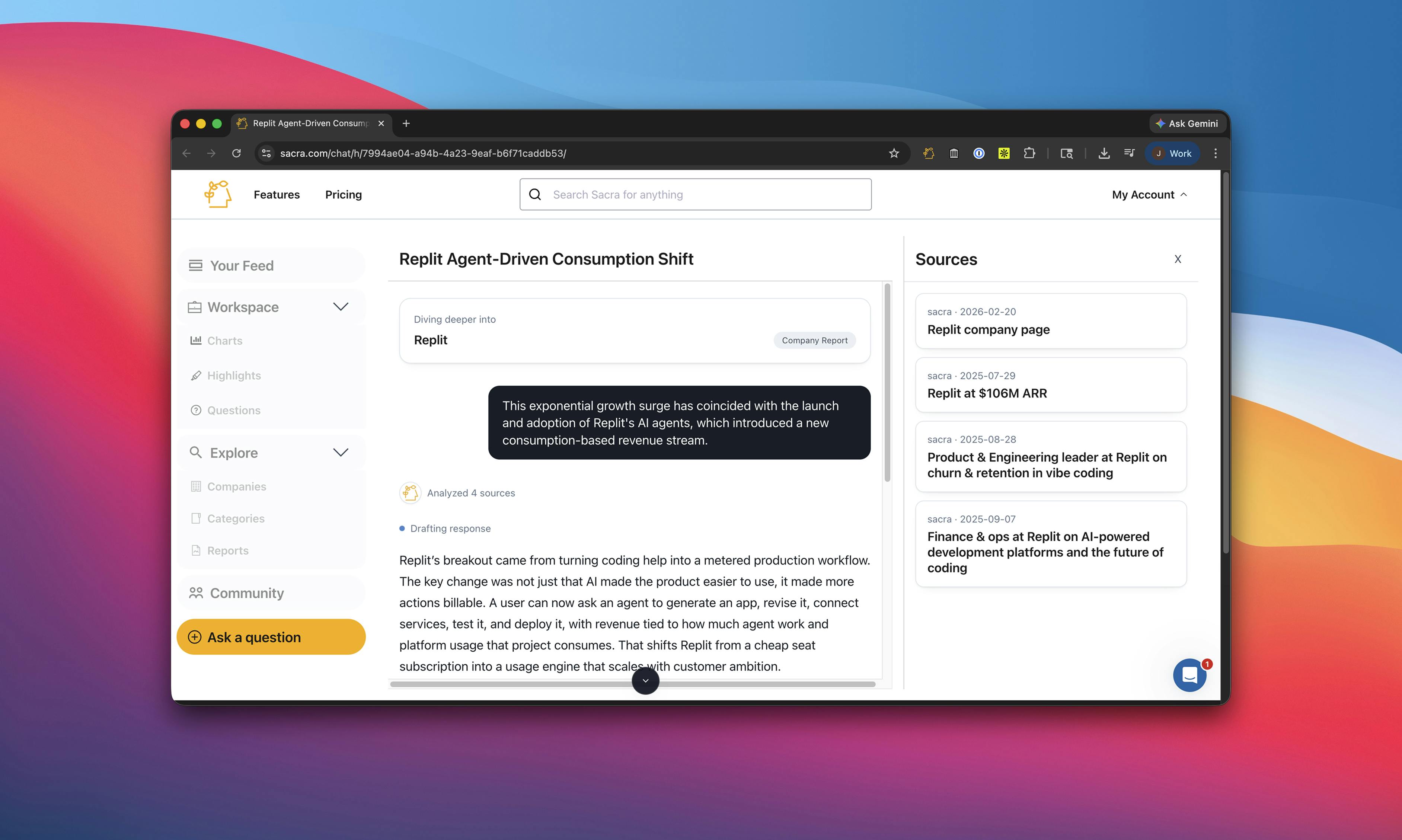
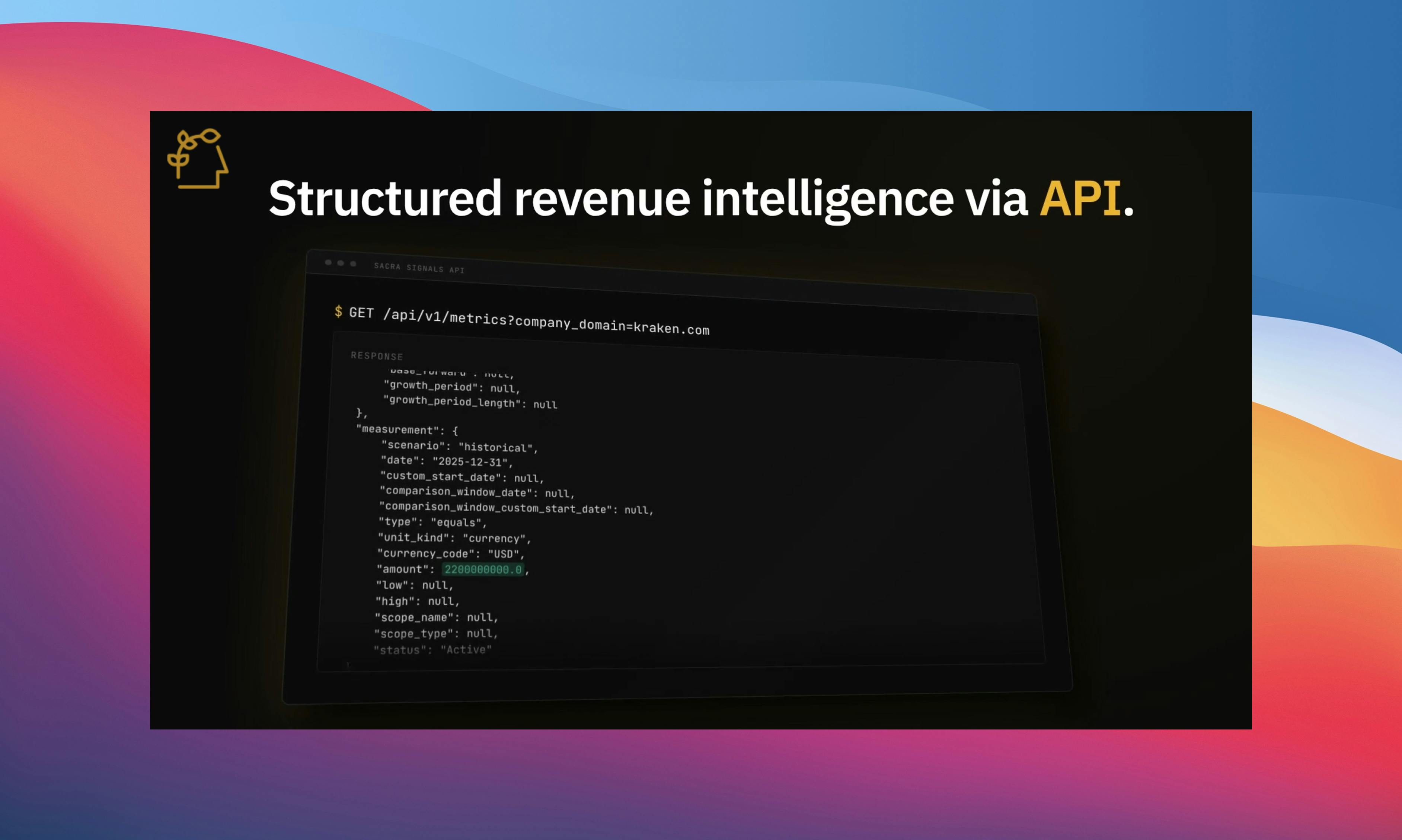
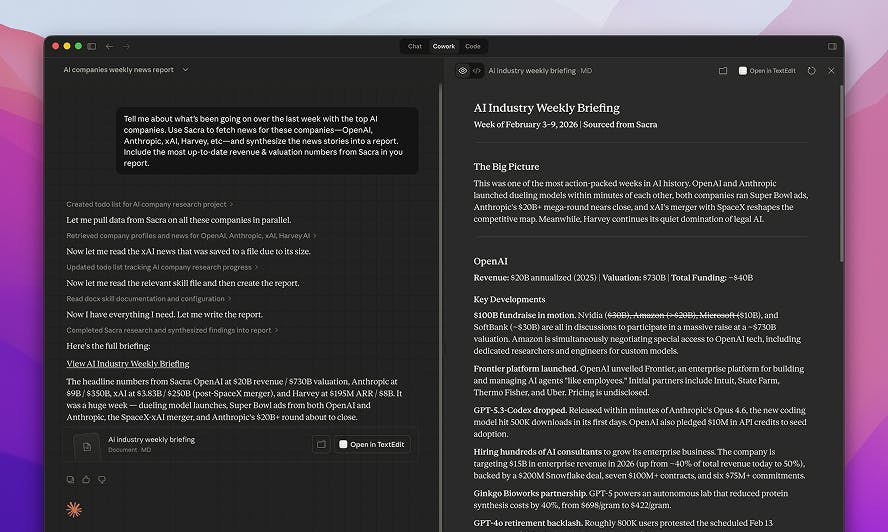
We've added global content sync endpoints to the Sacra API, making it much easier to pull Sacra data into your own systems and keep them up to date.
You can now pull newly created and updated content across documents, news, and events using time-based filters without querying company by company. All endpoints support global GETs, cursor-based pagination, and company metadata per item.
Full endpoint docs with request and response examples are available in our API documentation.
The problem with company-by-company polling
Previously, if you wanted to keep a downstream system in sync with Sacra—whether that's a data warehouse, an internal research tool, or an LLM pipeline—you could use Sacra Pipeline to sync everything directly into your database or data warehouse, or you could use the Sacra API to query each company individually to check for new content.
Pipeline is still the best option if you want a fully managed sync into Postgres, Snowflake, or another data store.
But for teams that want to pull data on their own terms—polling for changes, feeding an LLM pipeline, or syncing into a system Pipeline doesn't connect to—querying company by company across 1,000+ companies meant hundreds of API calls just to find out what changed since yesterday. That was slow, expensive, and fragile.
What's new
Content sync flips this around. Instead of asking "what's new for Company X?", you can now ask "what's new across all of Sacra?" A single call with a time window returns everything that's been created or updated in that period—documents, news, or events—with company metadata attached to each item so you can route and tag content downstream.
Documents
Pull all new and updated research reports, one-pagers, interviews, and datasets:
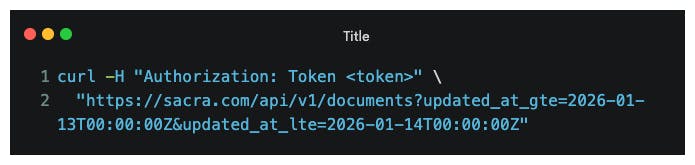
Global document responses include a companies array with a relation field (subject or connected), so you can distinguish between the primary company a document covers and other companies referenced in it.
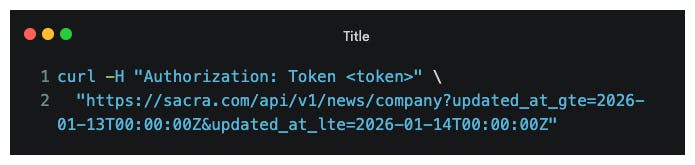
News
Pull all new company news across your entire coverage universe:
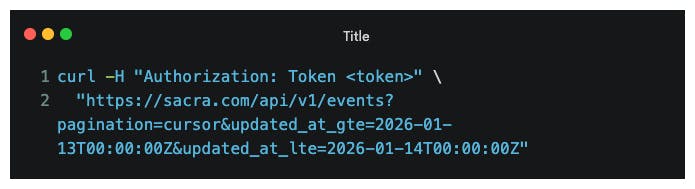
Events
Pull all new funding rounds, secondary transactions, and other events with cursor-based pagination:
How to use it
The most common pattern is daily polling. Set up a job that runs once a day (or more frequently) with a 24-hour window, and you'll get everything that's changed since your last sync.
All three endpoints support:
- Time-based filters: created_at_gte, created_at_lte, updated_at_gte, updated_at_lte (ISO-8601)
- Cursor-based pagination: page_after, page_before, page_size with next_link / prev_link in responses
- Company metadata: company ID and domain on every item
Global queries are currently limited to a 14-day date window. All changes are additive—existing company-scoped queries and page-based pagination continue to work as before.
Getting started
Full endpoint docs with request and response examples are available in our API documentation.
Content sync is available on Sacra Platform. If you have any questions, requests, or issues, email us at founders@sacra.com.