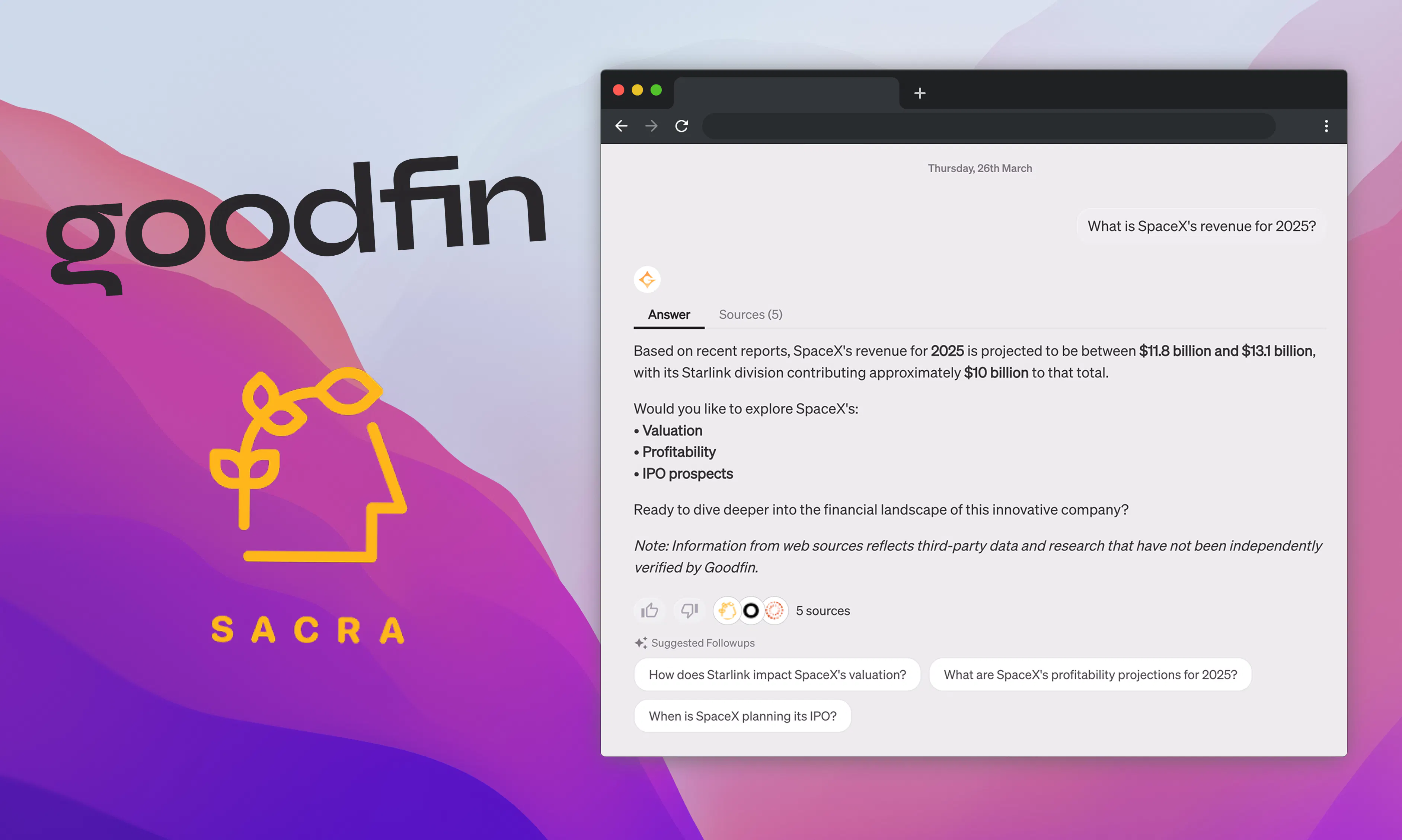
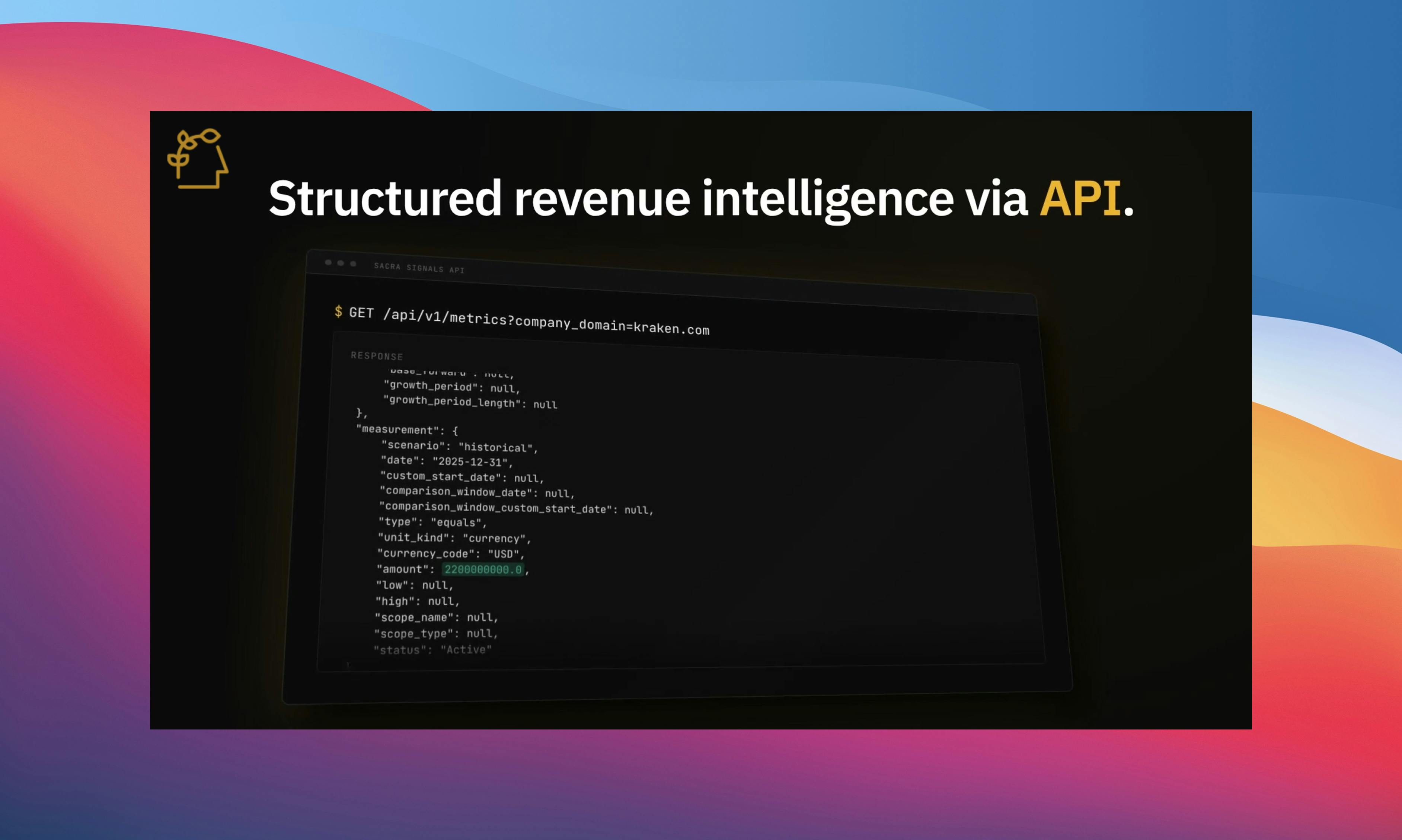
Server-side Sacra MCP is now available for developers to integrate into your own AI-powered, customer-facing experiences. You can connect to the Sacra MCP server directly from your own agent infrastructure and call Sacra tools as a backend data source, the same way Goodfin powers their AI investment concierge.
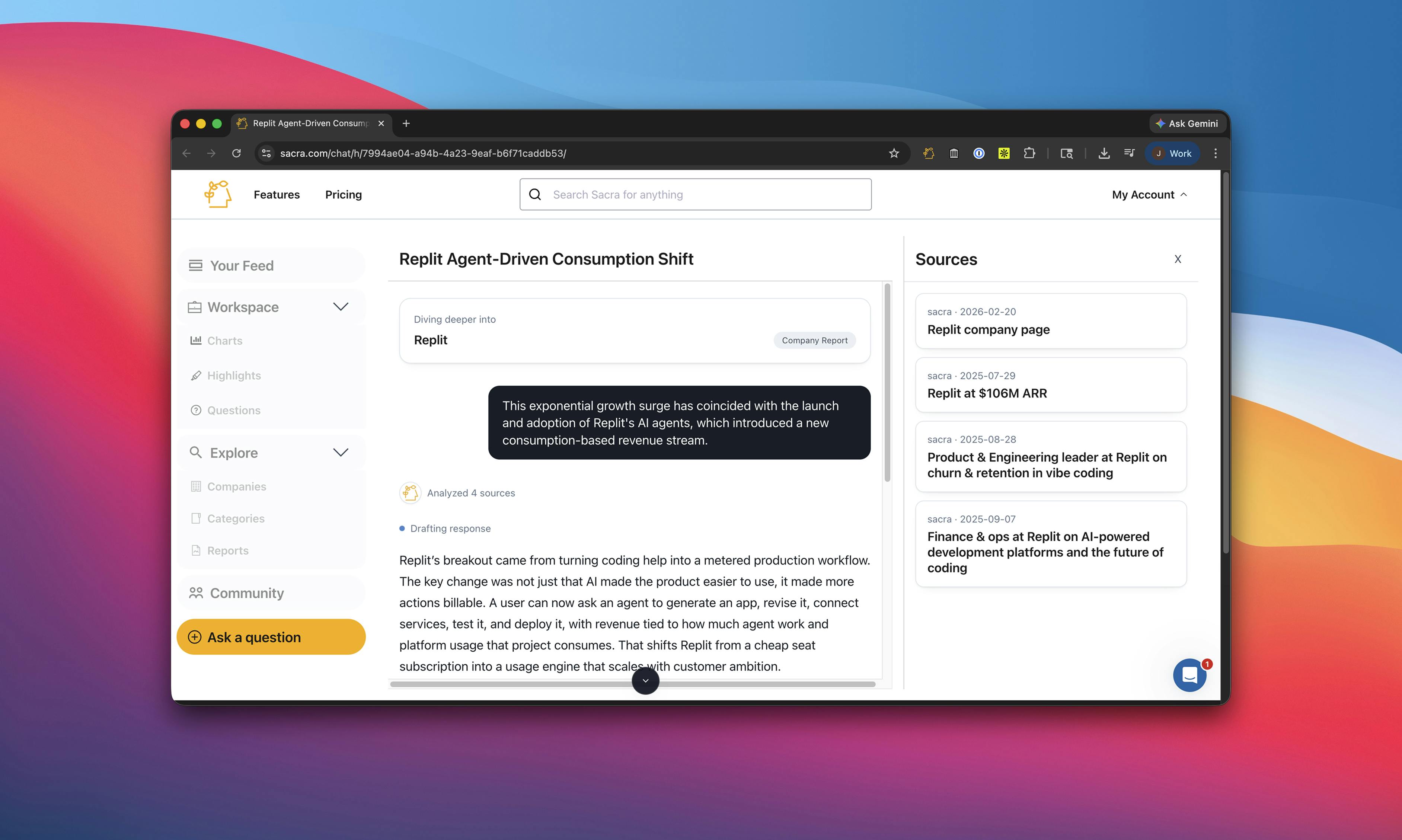
When we launched Sacra MCP, the primary setup was personal: connect it to your Claude or ChatGPT interface and use Sacra data inside your own research workflows. Ask about OpenAI revenue, pull Stripe's funding history, generate an investment memo on Replit. That still works and is still available to all Sacra users.
But a lot of teams are building products where an autonomous agent needs to call Sacra from the backend, not from a personal chat interface. Programmatic access is for that use case.
Goodfin’s AI investment concierge
Goodfin (YC W22) is building an AI-first platform for accredited investors to research and invest in pre-IPO companies.
Their core product, Goodfin Go, is a React agent that decides which data sources to query based on what a user asks. For company backgrounds, founding histories, and funding rounds, it calls Sacra. For secondary market pricing, it calls Caplight. For everything else, it falls back to web search.
"A lot of time, the search result doesn't come back very clean," says Johnson Yuan, founding software engineer at Goodfin. "It has a lot of noise, and it isn't always accurate. That's when Sacra tools come in very handy."
On top of the concierge, Goodfin built a deep research agent that runs Sacra's search tool in parallel with web search to generate long-form reports, and a news digest system where Sacra is one of four news providers feeding into a daily curated brief. Read the full Goodfin case study here.
How to connect
Programmatic access to Sacra MCP uses the same authentication and the same tool set as the personal Claude and ChatGPT connectors. You point your MCP client at the Sacra server, pass your API key, and start calling tools.
The high-level flow:
- Create a Sacra API key in your Organization Settings.
- Store it as SACRA_API_TOKEN in your server environment.
- Connect to https://mcp.sacra.com/mcp.
- Pass the API key in the Authorization header as Token YOUR_API_KEY.
- Run an agent that uses Sacra MCP tools to generate a company brief.
Check out our documentation for a walkthrough of how to use Sacra MCP along with the OpenAI Agents SDK to build a user-facing company brief generator.
Tools
The full list of available tools is in our API documentation. The core ones:
- search: Query across all Sacra documents and return matching research reports, interviews, and datasets by title and summary
- get_company_profile: Pull structured company data covering revenue, business model, competition, and growth
- get_funding_rounds: Return round-by-round funding history with amounts, valuations, dates, and investors
- get_news: Return recent news items for a company from Sacra's deduplicated news pipeline
- get_document_contents: Pull the full text of any Sacra research report, interview, or dataset
Getting started
Programmatic Sacra MCP access is available to all Sacra users. Full documentation is at docs.sacra.com.
For personal use in Claude or ChatGPT, setup instructions are at sacra.com/integrations/claude and sacra.com/integrations/chatgpt.
If you want to talk through how to integrate Sacra into your own product or agent infrastructure, email us at founders@sacra.com.